
Office Lighting Problems in Oakville
An office can feel too bright to one person and too dim to another without either report being wrong. The task, viewing position and daylight conditions behind each comment matter. A screen reflection, a shaded document and an uneven route through the room are different observations, even when staff describe all of them as poor lighting.
For an Oakville office, collect those observations before choosing a repair or replacement approach. Identify where the concern occurs, what people are trying to see and whether it changes during ordinary use. A clear record helps the qualified review address the actual working conditions.
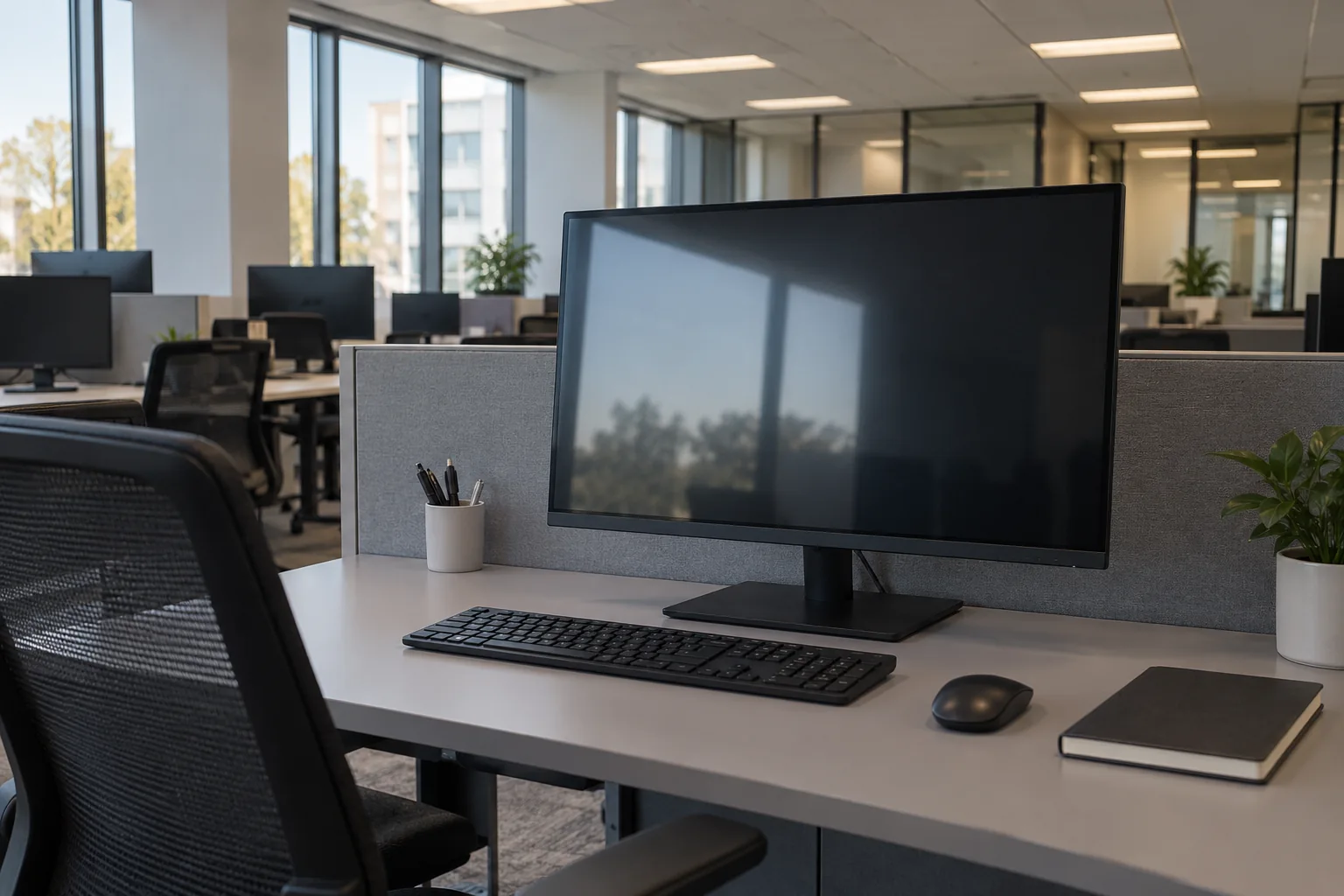
Introduce the office concern and its context
Describe the affected desks or rooms, the activity taking place and when the concern is noticed. Include a current furniture arrangement and any readily available fixture or control records. Name the property contact and explain whether the report follows a move, replacement or change in working hours.
Keep unknown causes open. Ordinary photographs from accessible occupied positions and a marked layout can help communicate the view. Explain which areas can be released for a review, including meeting bookings or tenant access restrictions.
- Place, task and normal viewing direction
- Time, daylight and known recent changes
- Affected groups, available records and access contact
Describe the difficulty before naming a cause
Record what a person notices in their normal work. A statement that paper is difficult to read at a particular desk is more useful than a conclusion that the fixtures are underpowered. Likewise, a reflection on a screen is an observation; the source and suitable change still need assessment.
The Canadian Centre for Occupational Health and Safety (CCOHS) identifies brightness, contrast and task as visibility considerations; a broad complaint can describe different working conditions.
Keep the original comments attached to their locations. Opposing reports can reveal different tasks or views that a single room-wide label would hide.
Map unevenness across the work people do
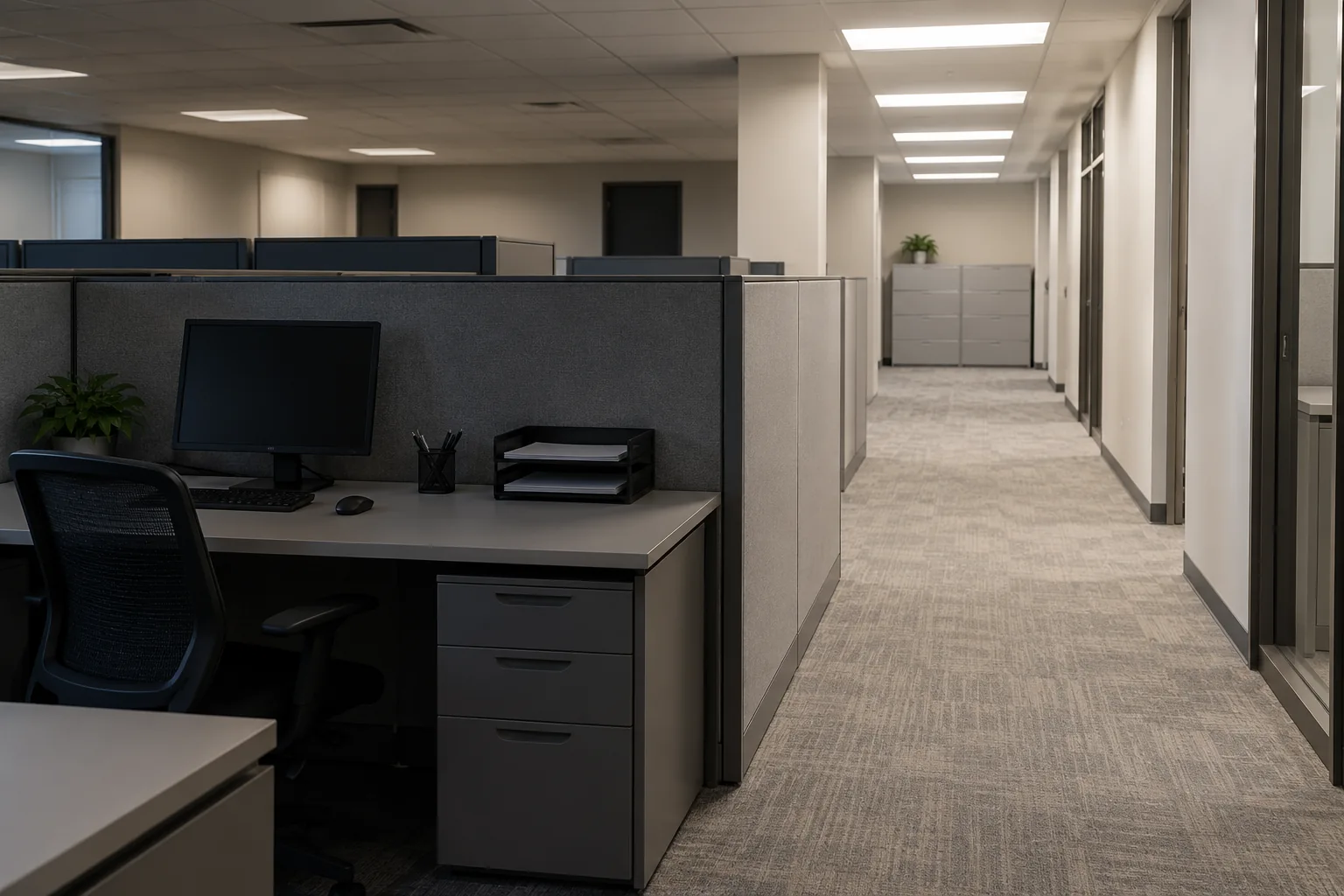
Separate a desk concern from a general impression at the doorway. The work surface, screen, nearby shelving and circulation zone may each appear different from the person’s seated position. Mark where the task is performed and which surface is difficult to use. A darker-looking aisle and a difficult document task deserve their own descriptions.
Note whether the furniture arrangement changed before the concern began. A partition, storage unit or moved desk can be relevant without establishing a technical cause. Include the previous position if it is known and explain which parts of the arrangement will remain. That helps the reviewer consider today’s use rather than an obsolete floor plan.
Describe the extent of the report. Does it involve one occupied position, several desks along the same area or different rooms? Preserve any places people find useful as well. A clear boundary helps distinguish a local concern from a wider project question without deciding in advance that every fitting should change.
Useful information for common office complaints
| Observed concern | What to record | What not to assume |
|---|---|---|
| Dim task | Name the document, work surface or object involved, the occupied position and the conditions when it is difficult to see. | The complaint does not by itself identify fixture output or a failed component. |
| Bright source or reflection | Distinguish a source seen directly from a reflected shape on a screen, desk or other surface. Note the usual viewing direction. | A brighter replacement is not an established answer to a distracting view. |
| Uneven area | Mark the transition between the affected task and surrounding desks, walls or circulation. Include relevant furniture and partitions. | A visible fixture row does not confirm the equipment or its electrical grouping. |
| Mixed colour appearance | Describe which neighbouring fittings or areas appear different and any known replacement history or recent change. | Appearance alone does not identify the product specification or cause. |
| Changing light during use | Record the area, normal activity, approximate time and observed change. Include any known local choice or schedule information. | Timing does not establish that a sensor, fixture or control has failed. |
Keep mixed appearance and meeting tasks distinct
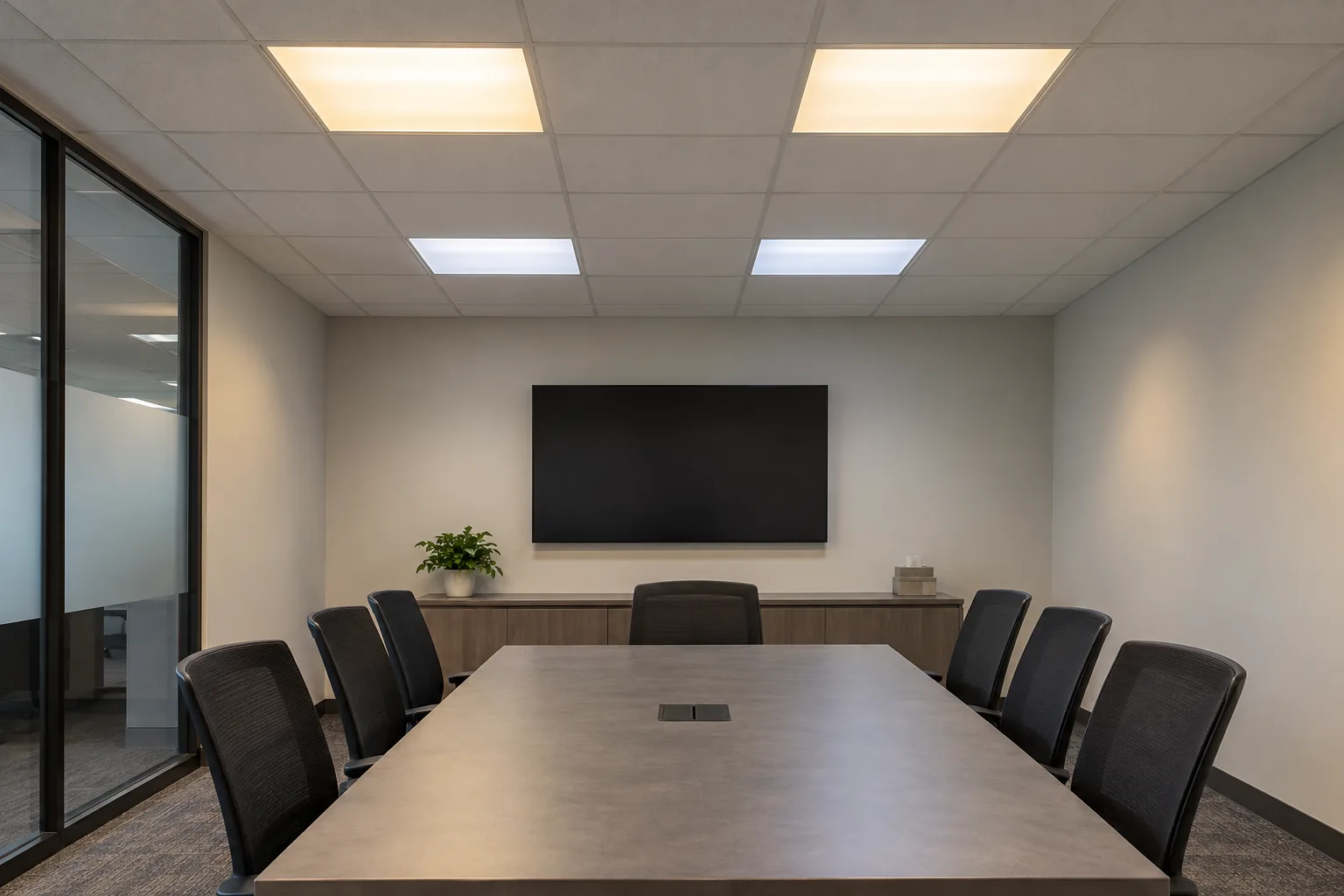
A meeting room can produce several reports at once: neighbouring fixtures look different, the table appears uneven or a presentation view is distracting. Keep each report separate and connect it to the activity. Someone reading papers may describe a different difficulty from a person facing the display, even during the same meeting.
For mixed colour appearance, identify the affected fittings from normal accessible positions and attach any existing replacement information. Explain whether the difference is longstanding or newly noticed. Do not infer a lamp type, component condition or diagnosis from the visible colour alone.
Include the room’s ordinary choices in the record. State which user arrangement was selected, if known, and whether the concern also occurs in the usual discussion arrangement. If lighting changes unexpectedly, describe what happened during normal use. There is no need to recreate the event or experiment with equipment to make a useful initial report.
A useful complaint record includes what still works
In an Oakville office adjoining storage, dispatch or a customer counter, keep observations from the different activities recognisable. A desk worker and a colleague moving between the office and the back area may describe different concerns at the same transition. Record the task on each side, the usual direction of travel and any useful condition people want to retain. This gives the review a practical boundary without assuming the whole premises needs the same change.
The affected view
Record the task, position, timing and extent of the difficulty in the person’s own practical terms. Add known changes to the room or installed equipment. Keep a technical explanation as an open question for the review.
If several people report different experiences, retain the locations and activities behind each rather than turning them into one average preference.
The useful condition
Identify areas or times when the same work is satisfactory. Explain whether the person is in another position, carrying out a different task or working under another ordinary daylight condition.
These details give the review context without proving a cause. They also help describe what the business wants to preserve if a repair or broader improvement is later proposed.
Record when the view changes through the day
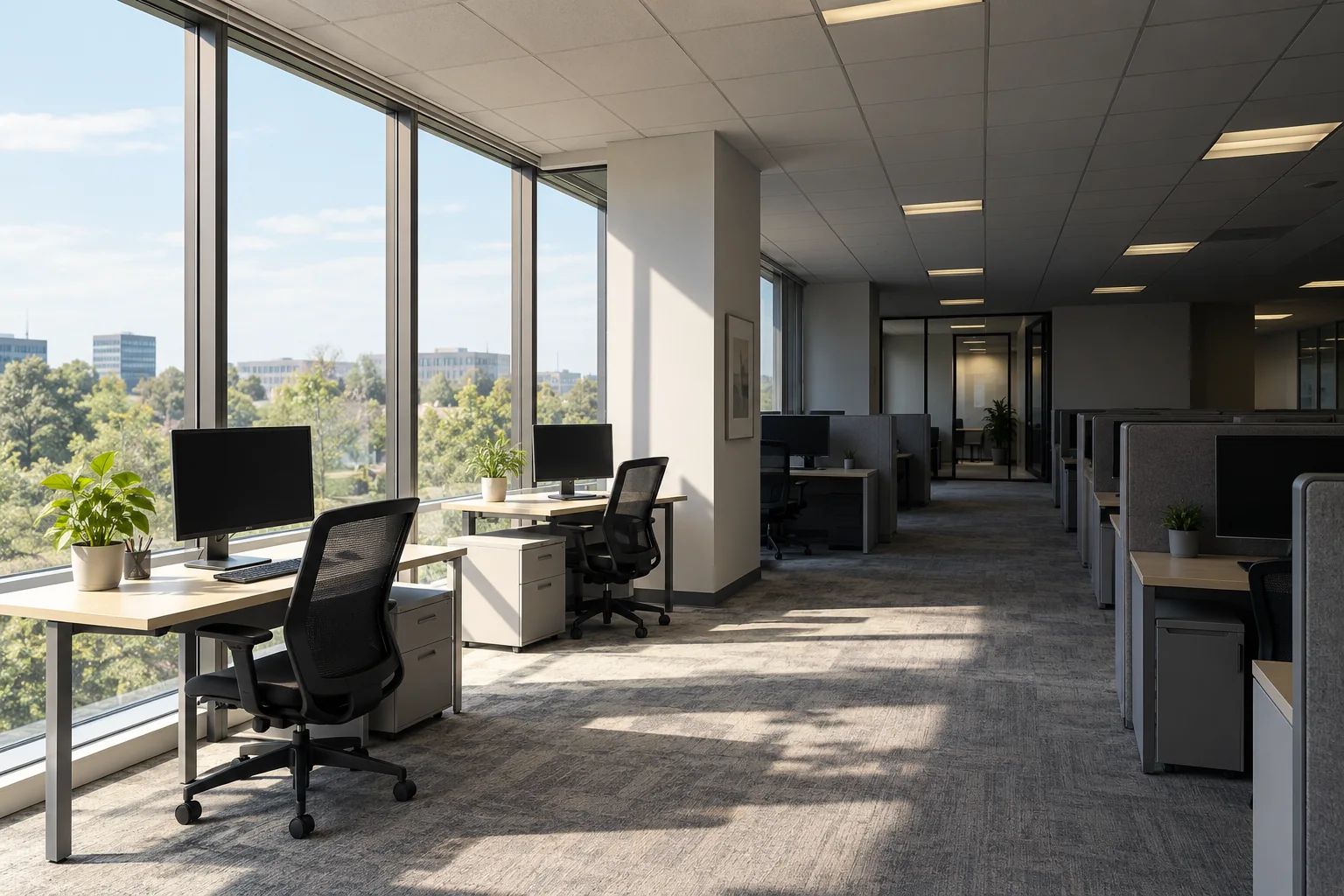
A window-side complaint should include the time and the person’s usual direction of view. Record the normal blind position when the concern is noticed, without setting up a special condition for a photograph. Describe whether the report is specific to the perimeter or also affects deeper desks. This keeps the everyday experience visible to the reviewer.
Note a difference between a room’s appearance and the actual task. A perimeter can look bright from the corridor while a particular screen or document is still difficult to use. The position and surface behind the report remain useful, even if the overall room seems well lit to someone passing through.
Explain any existing user choices and who can authorise their review. A request for separate perimeter operation is a possible project question, rather than a diagnosis of the current concern. Keep the observed pattern available so later discussion of distribution, fixtures or zones can address the conditions that prompted it.
Build a concise record for the review
-
Locate the task
Mark the desk, meeting position or route and name what the person needs to see. Retain separate reports where tasks or viewing directions differ. Add an ordinary photograph only where it helps explain the arrangement.
-
Describe the pattern
Record when the concern is noticed, its extent and any satisfactory ordinary conditions. Include known furniture moves, product replacements or changed hours. Leave uncertainty visible instead of choosing a component diagnosis.
-
Bring available records
Collect current layouts and fixture or control information already held by the property. Identify what may be outdated. Occupants do not need to open equipment, climb to fittings or carry out electrical tests to prepare an enquiry.
-
Arrange the next discussion
Name the contact who can approve access and describe room availability. Keep current faults separate from future improvement preferences. Ask what further review or defined scope is needed to decide the appropriate work.