
Lighting Timers & Scheduling in Oakville
A useful lighting schedule follows the property’s activity: arrivals before opening, occupied business hours, late cleaning and the areas that remain in use after customers leave. In an Oakville office, plaza or commercial building, those periods may differ by tenant and by zone. One timetable should not be assumed to fit everything.
Start with the intended weekly pattern and the exceptions that need approval. Timer replacement, schedule correction and a wider controls project have different scopes. Review the retained equipment, daylight or presence controls, manual overrides and handover responsibilities together so that the agreed behaviour is clear to the people operating the property.
- Weekly patterns and seasonal review
- Zone-specific hours and approved exceptions
- Override behaviour and clear operating responsibility
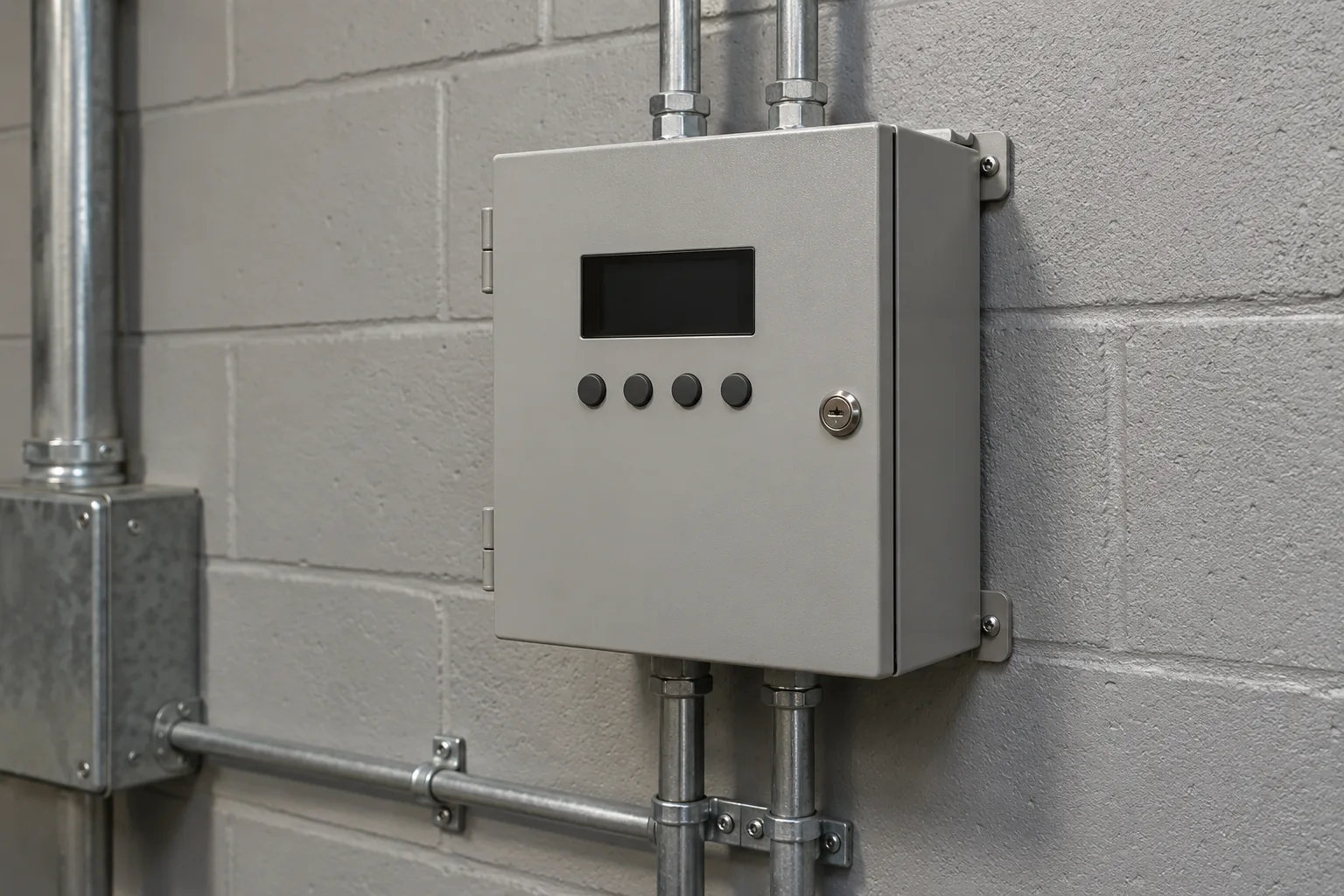
Describe the lighting schedule your property needs
Include the Oakville address and the interior or exterior zones involved. List ordinary opening and closing periods, early arrivals, cleaning windows and recurring late use. Note any areas that should follow a different pattern and the contact who can approve common-property decisions.
For an existing problem, describe which lights operate at the wrong time, when the behaviour started and any known schedule changes. Product records or a current operating timetable can help. Share the information you already have without opening equipment or making electrical adjustments.
- Weekly hours, exceptions and affected zones
- Observed timing and available product records
- Approval contacts and access restrictions
Separate tenant hours from common-area operation
An office floor can include a reception, circulation routes, meeting rooms and suites with different working patterns. The main business closing time may not describe cleaners, evening meetings or staff leaving later. Identify the spaces used during each period and the equipment currently grouped together. That connects the proposed timetable with the actual building arrangement.
Common areas need an approval contact who can consider the whole property. Separate tenant preferences from the owner’s decisions about shared routes and facilities. If one occupier changes its hours, clarify which zones are affected and whether other users depend on the same lighting. An informal request should not unintentionally alter a schedule used by several businesses.
Existing grouping can limit what a schedule alone achieves. Two areas may need different hours but share equipment or controls that require a broader change. Define the desired operation first, then confirm the feasible electrical and control scope. The project should distinguish programming of a supported function from changes needed to create independent zones.
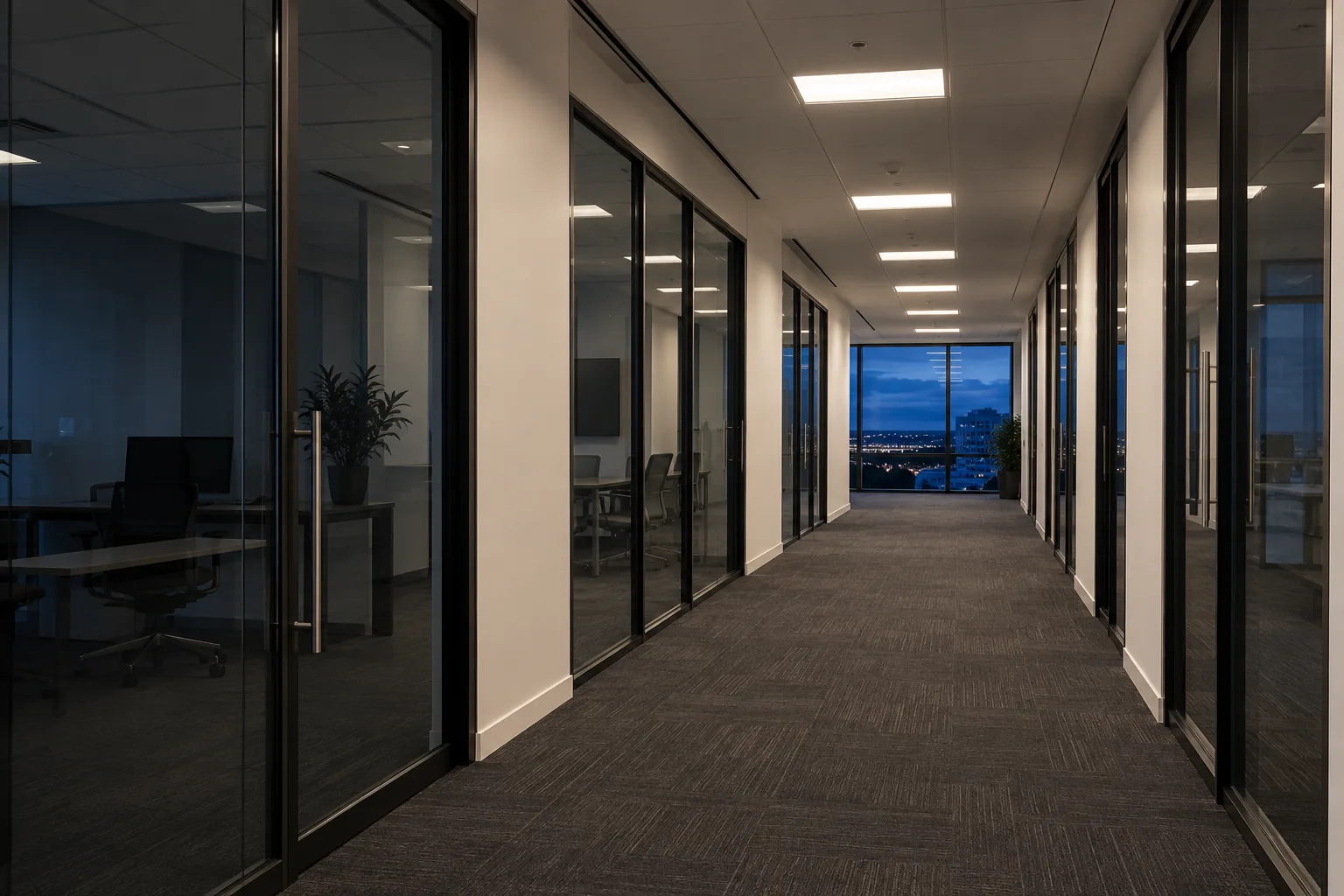
Include ordinary hours and the exceptions people actually use
| Operating period | Decision to make | Information to record |
|---|---|---|
| Before opening | Identify staff arrival, preparation and delivery areas. The first occupied space may be a side entrance or service route rather than the customer frontage. | Record the relevant days, zones and earliest routine activity. |
| Ordinary occupied hours | Set the weekly pattern by area, with tenant and shared-property needs distinguished. Discuss interaction with daylight or presence controls where they are retained. | Provide a current timetable and the contact who approves each area. |
| After normal closing | Describe cleaning, departures and late activity. Determine the specific area needing an exception rather than extending every zone automatically. | Identify the reason, expected duration and agreed return behaviour. |
| Holiday or unusual use | Discuss closures, changed hours and occasional events separately from the normal week. Confirm which exception functions the selected equipment supports. | Record who authorises the change and how the ordinary pattern is restored. |
Choose schedule correction, equipment repair or a wider change
The intended timetable has changed
A tenant move or new shift can make an old schedule unsuitable even when the equipment works as designed. Provide the previous and requested operating patterns, affected zones and approval contact. Review what the retained system can support before treating the request as programming only. Zone separation or additional interfaces may belong in a wider scope.
Operation no longer matches the agreed pattern
Record the actual start or stop behaviour, dates and affected group. Available product records and known changes can help explain the arrangement. The control and associated electrical equipment need assessment before a fault is attributed to the timer. A light remaining on is an observation; it does not identify the cause on its own.
The equipment is being replaced
A new control should be selected against the required schedule, retained lighting equipment and operating responsibilities. Discuss interfaces, supported exceptions, clock behaviour and access to the normal user functions. Avoid assuming that every replacement device reproduces the previous arrangement or adds capabilities that were not specified.
Several zones need a connected strategy
A wider controls project can coordinate schedules with daylight, presence or other agreed inputs. Start with the behaviour expected in each area, then confirm compatible equipment and the sequence. Identify which parts remain local and which need broader coordination. Features such as remote changes should be verified for the selected system rather than implied by a scheduling request.
Coordinate exterior schedules with the areas used after dark
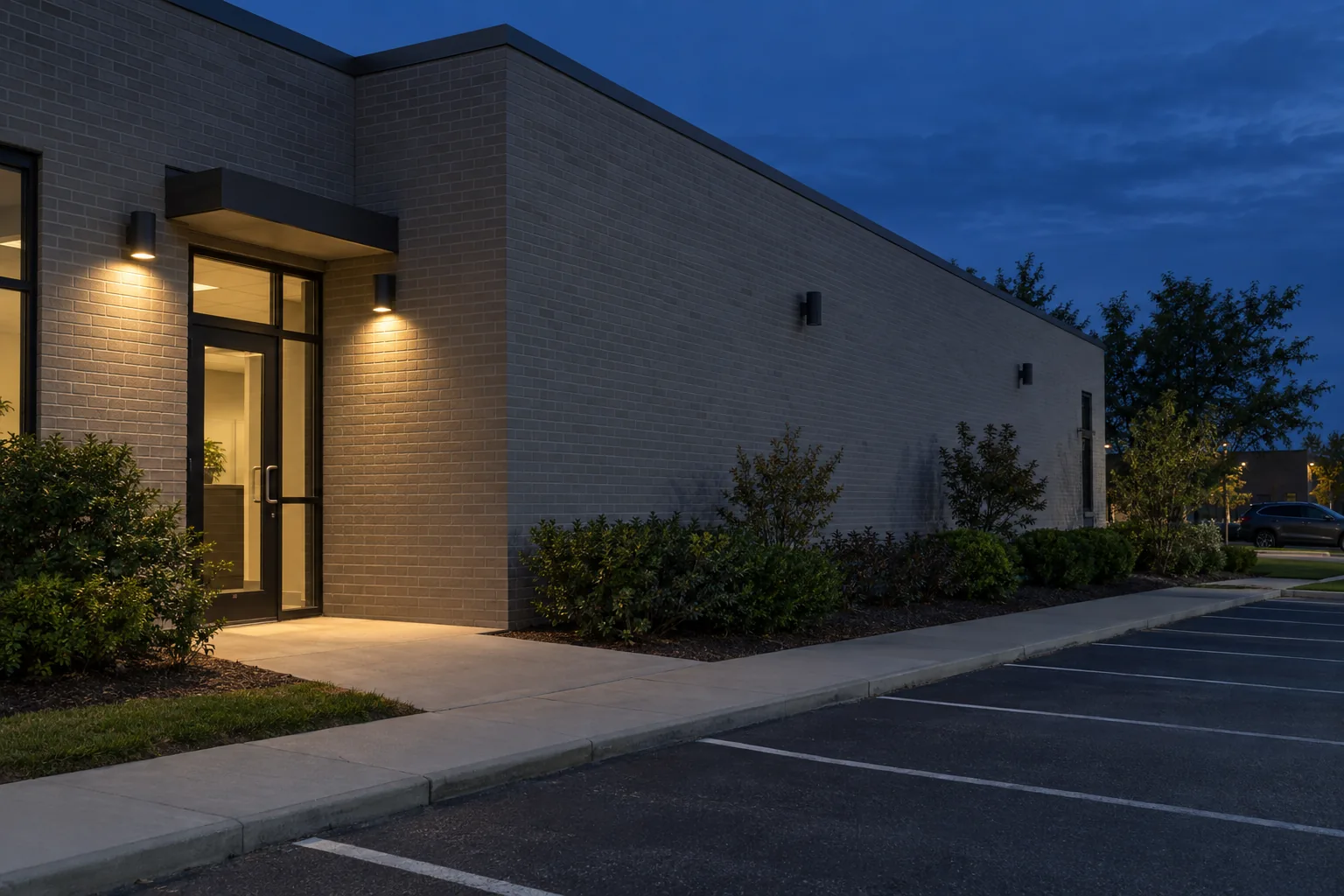
Exterior areas may include a customer frontage, staff entrance, parking route and service yard with different late-use needs. Describe the intended purpose and occupied period for each. A schedule that suits the frontage may be unsuitable for a delivery route, while a blanket extension may operate areas nobody requested. Keep the affected fixture groups and property decisions explicit.
Where daylight response is part of the arrangement, agree how it should interact with time-based permission. State what should happen before opening, during the ordinary window and after the agreed cut-off. The actual sequence depends on the selected and retained controls. Discuss it in plain operational terms before assuming that adding a timer automatically produces the desired combined behaviour.
Review seasonal conditions with the property manager. Changing daylight, new trading hours and a revised cleaning contract can each affect the brief in a different way. Confirm how clock and calendar adjustments are handled by the particular equipment and who reviews the recorded schedule. Keep neighbouring-property concerns and relevant project approvals connected to the exterior lighting scope.
Define temporary overrides and normal operation together
Late work or an unscheduled meeting can require an exception to ordinary operation. Identify the permitted area, who may request the exception and what should happen when it ends. Confirm whether the selected interface supports a timed extension, a manual return or another agreed behaviour. Do not assume an unlabelled wall button establishes a particular function or duration.
The operating instructions should describe normal user actions for the actual installed equipment, with the responsible people involved in handover. Keep access to enclosed electrical equipment separate from those normal functions. If an exception repeatedly remains active, document the pattern and review the arrangement rather than asking staff to improvise electrical changes.
A clear return rule is especially useful where several people can request late use. One person’s temporary change should not become an unexplained setting carried into the next week. Record permanent schedule revisions separately from one-off exceptions, and identify who approves each. That distinction makes later complaints easier to interpret and keeps the intended timetable current.

Four decisions make a scheduling project easier to review
-
Map the areas
Identify the lights and zones involved, retained groups and spaces excluded from ordinary automation. Mark uncertain records clearly. Include common routes, tenant areas and any equipment requiring separate emergency or exit-function review.
-
Write the normal pattern
Provide the weekly occupied periods for each area. Add the relevant daylight or presence inputs and state the intended interaction. Keep desired behaviour separate from assumptions about what the existing timer can do.
-
Agree exceptions
Describe holidays, late use and manual overrides. Confirm authority, supported duration and return behaviour. Distinguish recurring timetable changes from temporary extensions so the system can be selected and reviewed against a coherent brief.
-
Define review and records
Agree representative start, stop and exception conditions for review. Discuss the equipment references, current timetable and normal operating information expected at handover. Identify who keeps the records current and how later revisions are authorised.
Include clock behaviour and ownership in the handover
Intermatic describes electronic timer options for daily or weekly schedules, and astronomic options that follow calculated sunrise and sunset. These are different capabilities from measuring the daylight at a sensor. Confirm which functions the selected equipment supports, including the requested exceptions and overrides, before treating them as part of the project.
For the particular control being considered, confirm the clock, calendar and seasonal adjustment features needed by the property. Discuss the intended time reference and what happens after an interruption or reset using manufacturer information. Devices differ, so backup, automatic correction and retained schedule behaviour should be verified rather than assumed from the presence of a display.
The property records should name the person responsible for the timetable and any authorised user interface. Keep approved revisions dated, with the affected zones identified. If a later tenant or manager receives the building without those records, the control can become difficult to understand even when it continues functioning. Clear ownership makes the schedule an operating decision that can be reviewed when property use changes.
Confirm Licensed Electrical Contractor, notification and review requirements for the electrical scope with ESA.