
Contact Oakville Commercial Lighting
Tell us what your building needs: a planned lighting upgrade, a change to an occupied space, or help with lights that are no longer working as expected. Start with the facility address, the area involved and the outcome you want.
You do not need a finished specification to make an enquiry. A clear description of the property and its day-to-day use is a useful starting point. Use the form below, or call to discuss the same details.
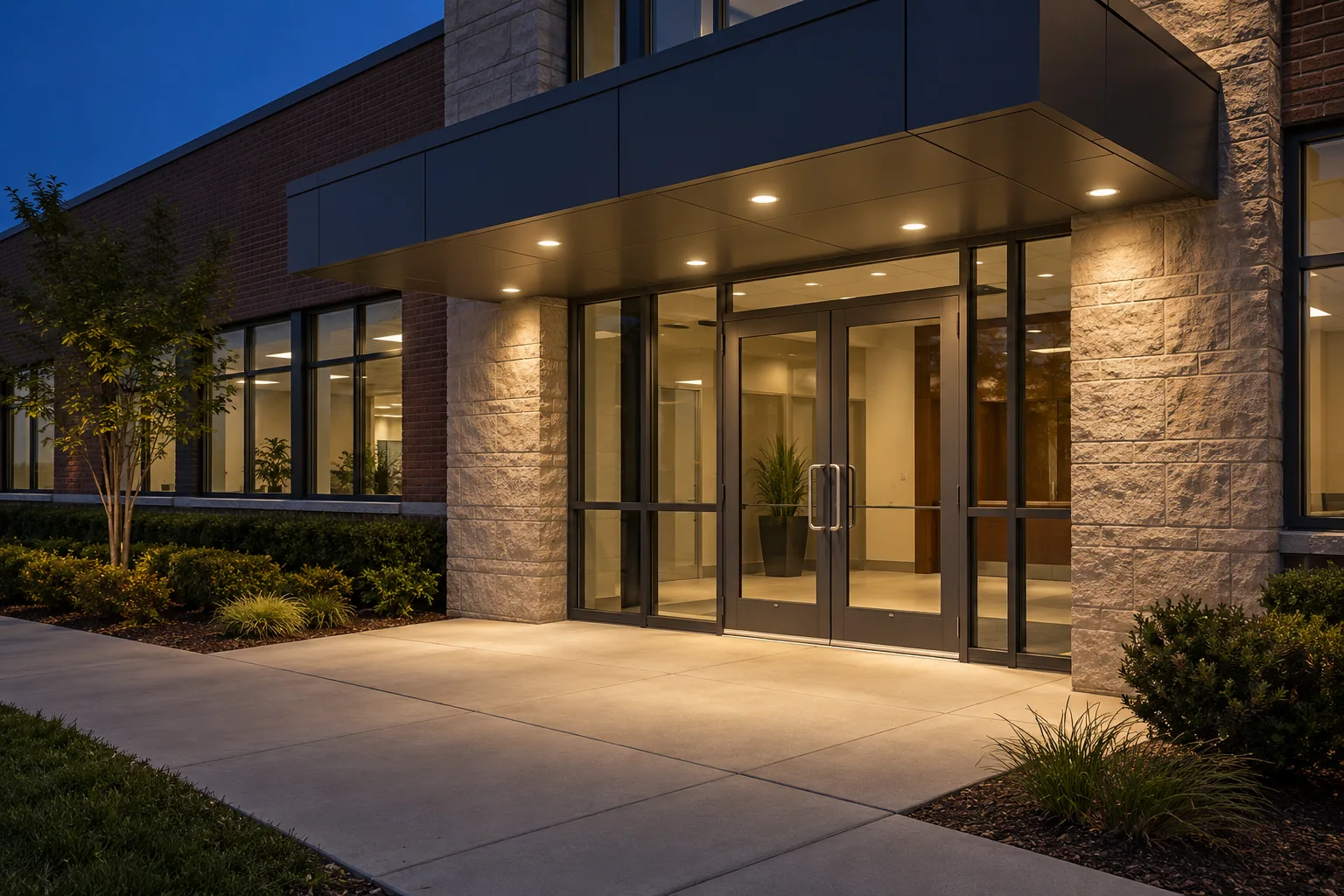
Tell us about your commercial lighting need
Provide the property address, the areas involved and whether you are planning work or reporting a lighting problem. Include your timing and the person who can coordinate access. Use the details you already know; measurements and product selections can be clarified as the scope develops.
What brings you here?
Choose the description closest to your need. Both routes begin with your facility details; the difference is whether you are defining future work or reporting an existing problem.
Planned project, retrofit or upgrade
You may be replacing older fixtures, changing a tenant layout, improving light over work areas or reviewing controls across a property. Describe the spaces included, why a change is needed and any deadline connected to occupancy or other construction. An approximate fixture count and your normal operating hours can help frame the conversation.
Lighting repair or existing problem
Describe what you can observe: a dark fixture, a group of lights out, flickering, or exterior lights switching at unexpected times. Note the location, when you first noticed the issue and whether the pattern changes during the day. Include the effect on staff, tenants or access so the concern is understood in context.
Describe the pattern, without opening the equipment
A useful repair message identifies the affected space rather than guessing at the cause. For example, “three ceiling lights in the rear service corridor are dark, while the entrance lights remain on” gives a clearer starting point than “the lighting is bad.” Say whether the problem is constant, intermittent or connected to a visible control setting.
Take photographs only from a safe, normally accessible position. Do not remove covers, reach into fixtures or climb to inspect wiring. If a situation appears hazardous, follow your facility’s safety procedures and keep people away from the affected area. An online enquiry is not a substitute for immediate action through the appropriate emergency channel.
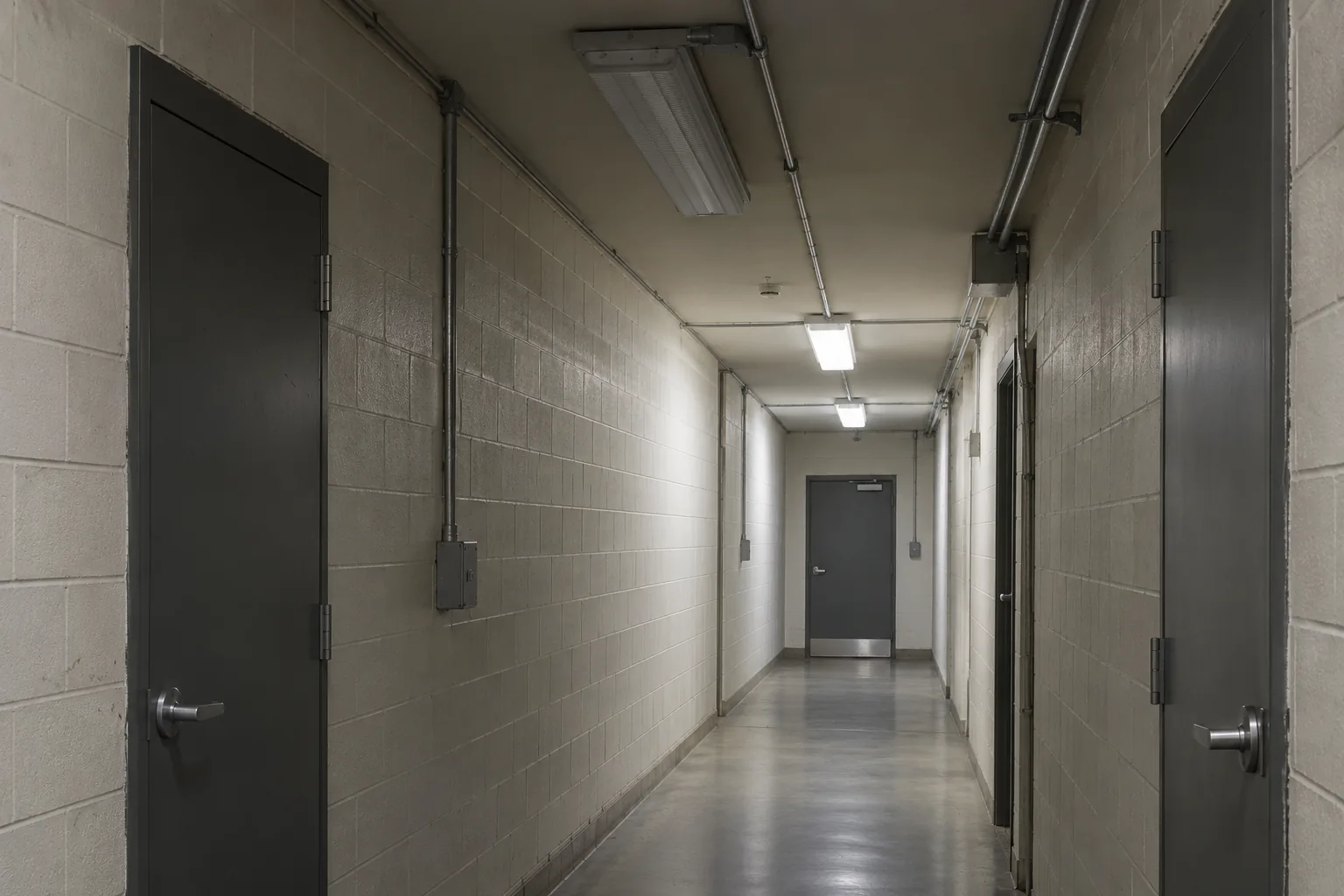
Put the upgrade in its working context
For a planned project, explain what the space must do after the change. Office lighting may need to accommodate new desks or shared rooms; a warehouse may have altered rack positions; a showroom may need different light across display and circulation areas. Describe the work people carry out and where the present arrangement falls short.
Mention whether the space is occupied, whether fixtures must be coordinated with other trades, and who can authorize the work. If you already have a scope, drawing or specification, say so in your message. If you do not, describe your priorities in plain language rather than trying to select every product in advance.
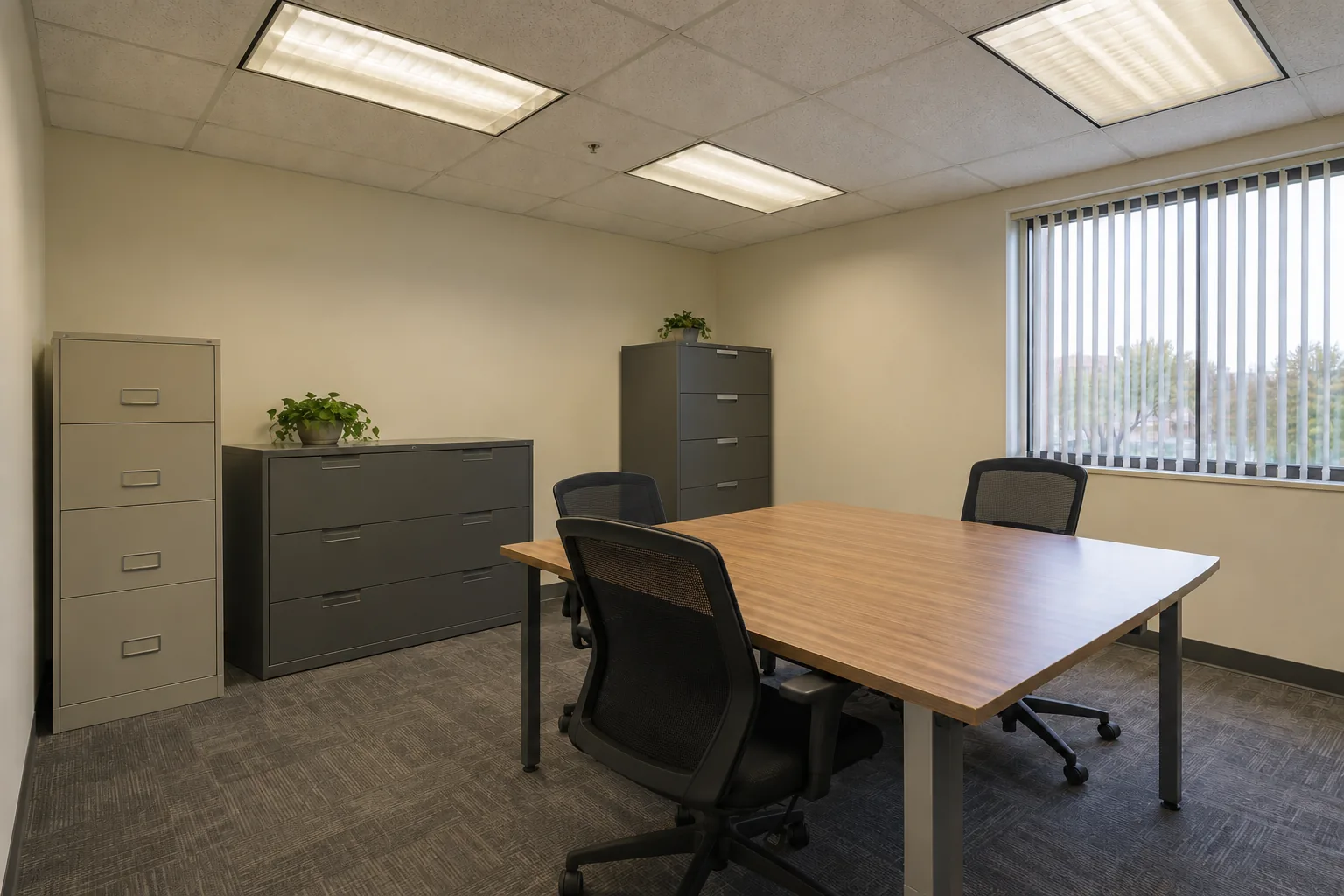
The details that make your first message useful
Include your name, organization and a way to reach you, along with the property address in Oakville. Then describe the facility type, the affected rooms or exterior zones, and whether this is a repair request or planned work. Add your desired timing and the best person to coordinate access.
Unknown details can stay unknown. You can provide an approximate quantity, describe a fixture’s shape or attach an existing inventory later. Avoid including passwords, access codes or sensitive documents in the first message. For a more detailed preparation checklist, use the site-assessment page.
Include the people and access involved
A commercial property can involve an owner, tenant, property manager and on-site contact. Tell us your role and who will approve a proposed scope. If the request covers shared areas or multiple units, identify those boundaries so tenant work and common-property work are not confused.
For exterior or parking lighting, identify the entrance, lot section or building elevation involved. Mention visitor traffic, deliveries and any restricted access times. For several properties, begin with the most important location and explain whether the remaining sites need the same type of review.
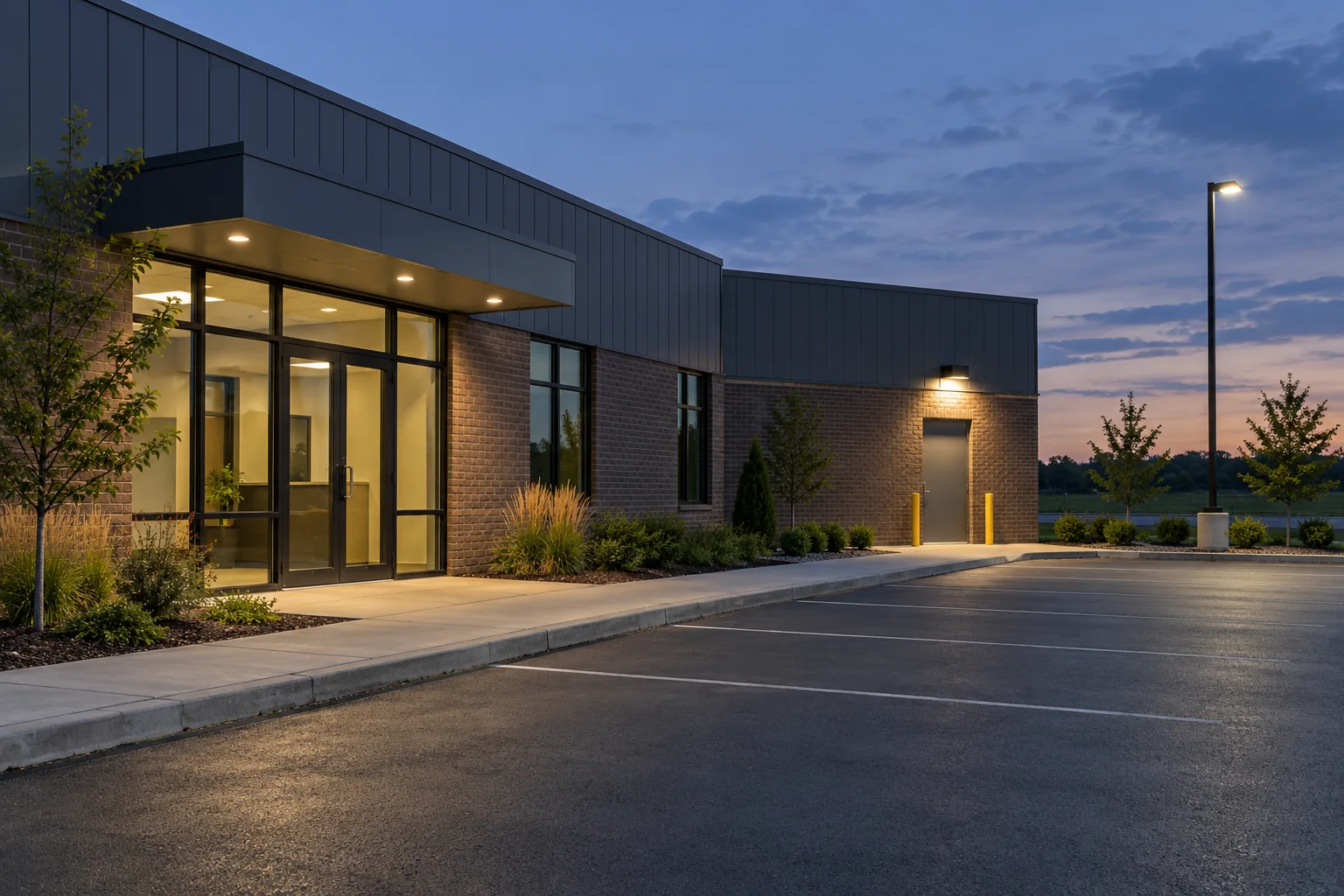
Request help with an existing lighting problem
Use the same facility details, then add the observable symptom and its location. If you have already sent a message about this issue, include that context so the scope remains clear. Specific attendance, access arrangements and any work authorization need to be agreed for your property.